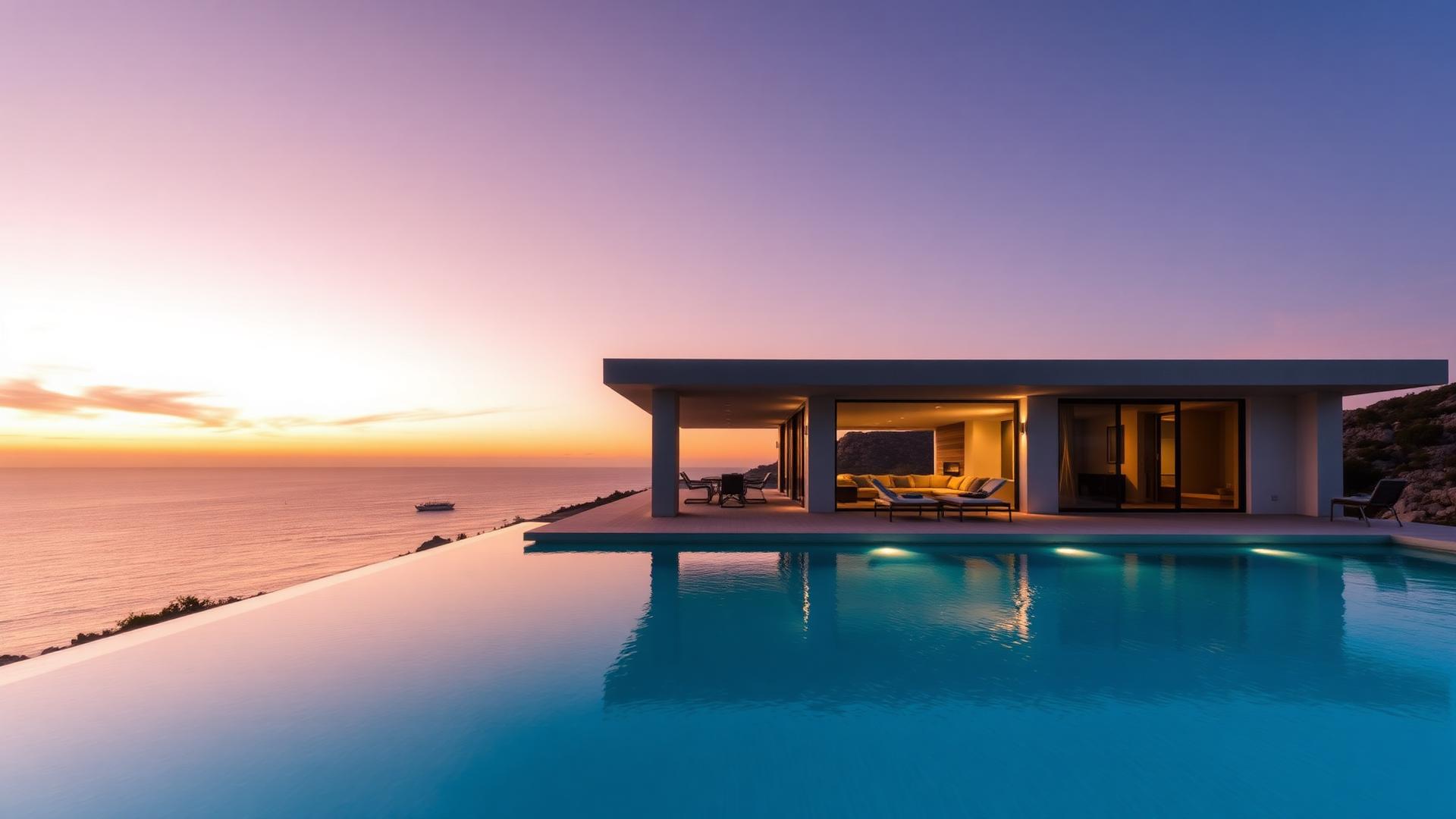
Vacation rentals
AI Vacation Rental Video Generator
Turn vacation rental photos into realistic cinematic videos for property marketing. Built for owners, hosts, property managers and short-term rental businesses who have a strong photo set and no video at all.
Free 6-second preview. No account, no card.
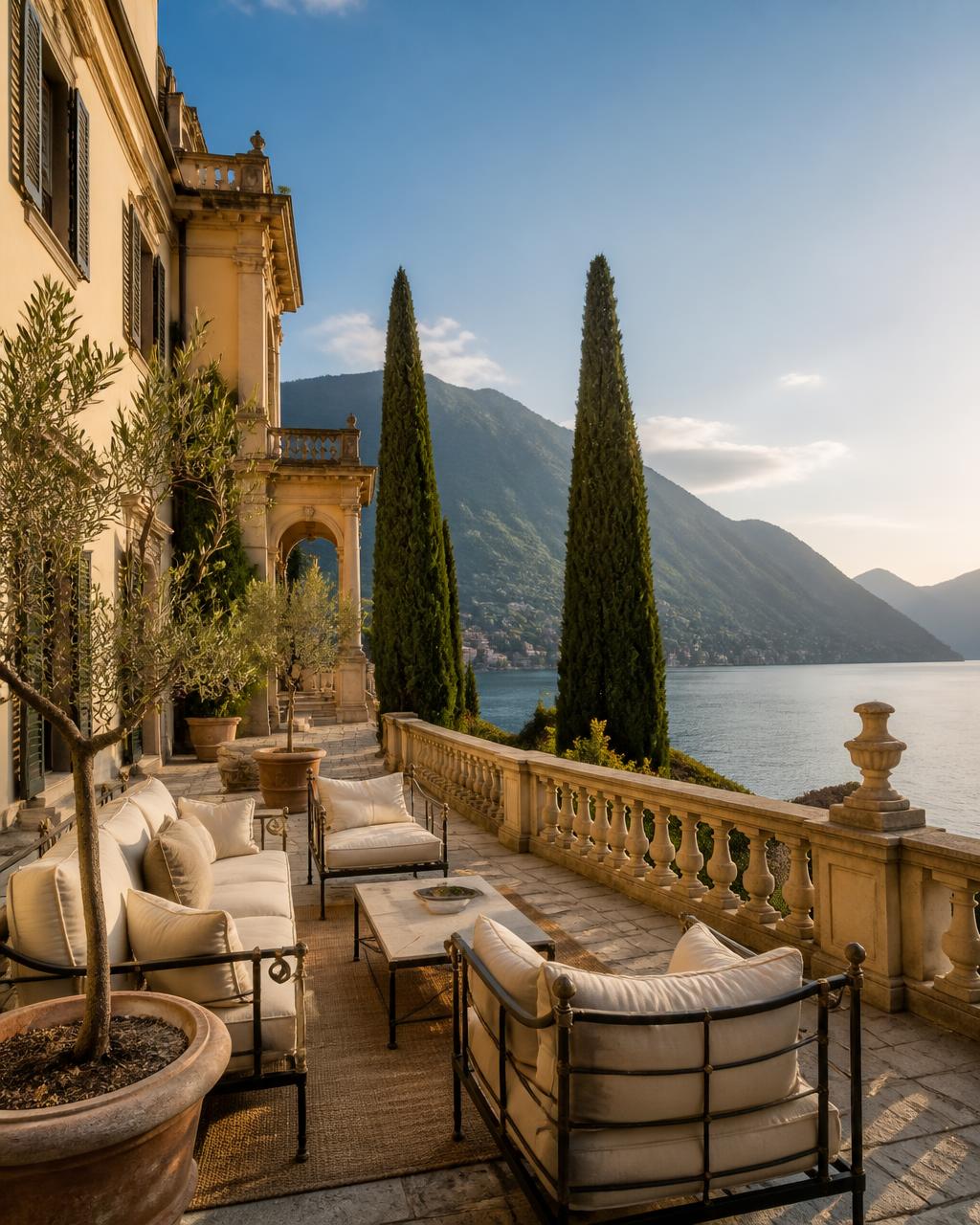
Generated with Vellivo's Cinematic mode
- Free 6-second preview from one of your own photos
- Camera movement only — rooms, furniture and views are preserved
- Automatic visual-consistency check before you see the result
- Vertical output that fits Reels, TikTok and Shorts
Turn vacation rental photos into video
It simulates a real camera filming the space in your photo — a slow push into a living room, a drift across a terrace, a gentle tilt towards a view. The movement is subtle by design: the model is instructed not to add, remove or redesign architecture, furniture or amenities, and each result is compared with the source image before delivery.
Show more than a static listing
A holiday home is booked on atmosphere as much as on floor plan, and atmosphere is what a still gallery loses. A clip carries the depth of a terrace, the light in a kitchen at breakfast, the distance between the pool and the sea. It also gives you something to publish off-platform, where a listing page cannot reach a guest who is not already searching. Strong starting frames are usually the living room, the main bedroom, the exterior, or the balcony or pool view.
How it works
- 1Upload a photo you already haveOne still image is enough. We score each upload on resolution, exposure, contrast and composition, and start from the strongest frame.
- 2The camera is simulated, not the propertyInstead of animating pixels, the model is directed to film the exact scene in your photo: a slow push, a drift, a tilt, with the architecture, furniture and view held in place.
- 3Every clip is checked before you see itThe generated frames are compared with your source photo for geometry and fidelity. Clips that drift are regenerated automatically, and the 6-second preview is free.
Built for rental property marketing
Use clips in social feeds, direct-booking sites, seasonal campaigns and pre-arrival emails. One photo set can carry a whole year: terrace and pool for summer, interiors and fireplaces for winter, exterior and garden for shoulder season. Managers running a portfolio can build a clip library property by property without booking a single shoot, and each generation is independent so nothing has to be planned in batches.
Which frames work best for a holiday home
Outdoor space sells the booking, so lead with the terrace, pool or garden if the property has one, then follow with the living area and the main bedroom. Frames with a horizon, a view through glass, or a foreground object such as a lounger give the camera depth to move through. Detail shots of a single tap or towel stack have nowhere to travel and produce the flattest results.
One property, one clip
If you manage several homes, keep their photos separate. A montage that blends two properties into one video misrepresents what the guest is reserving, which is the fastest route to a complaint on arrival.
FAQ
Frequently asked questions
Try it on one of your photos.
Create a free previewPrefer the numbers first? See credit packs and plans, or read the full FAQ.