Booking.com partners
Booking.com property video from your existing photos
Booking.com properties often list several room types. Guests compare them side by side, and a short clip per room type makes the difference between a Deluxe Double and a Family Suite obvious in seconds.
Free 6-second preview. No account, no card.
- Free 6-second preview from one of your own photos
- Camera movement only — rooms, furniture and views are preserved
- Automatic visual-consistency check before you see the result
- Vertical output that fits Reels, TikTok and Shorts
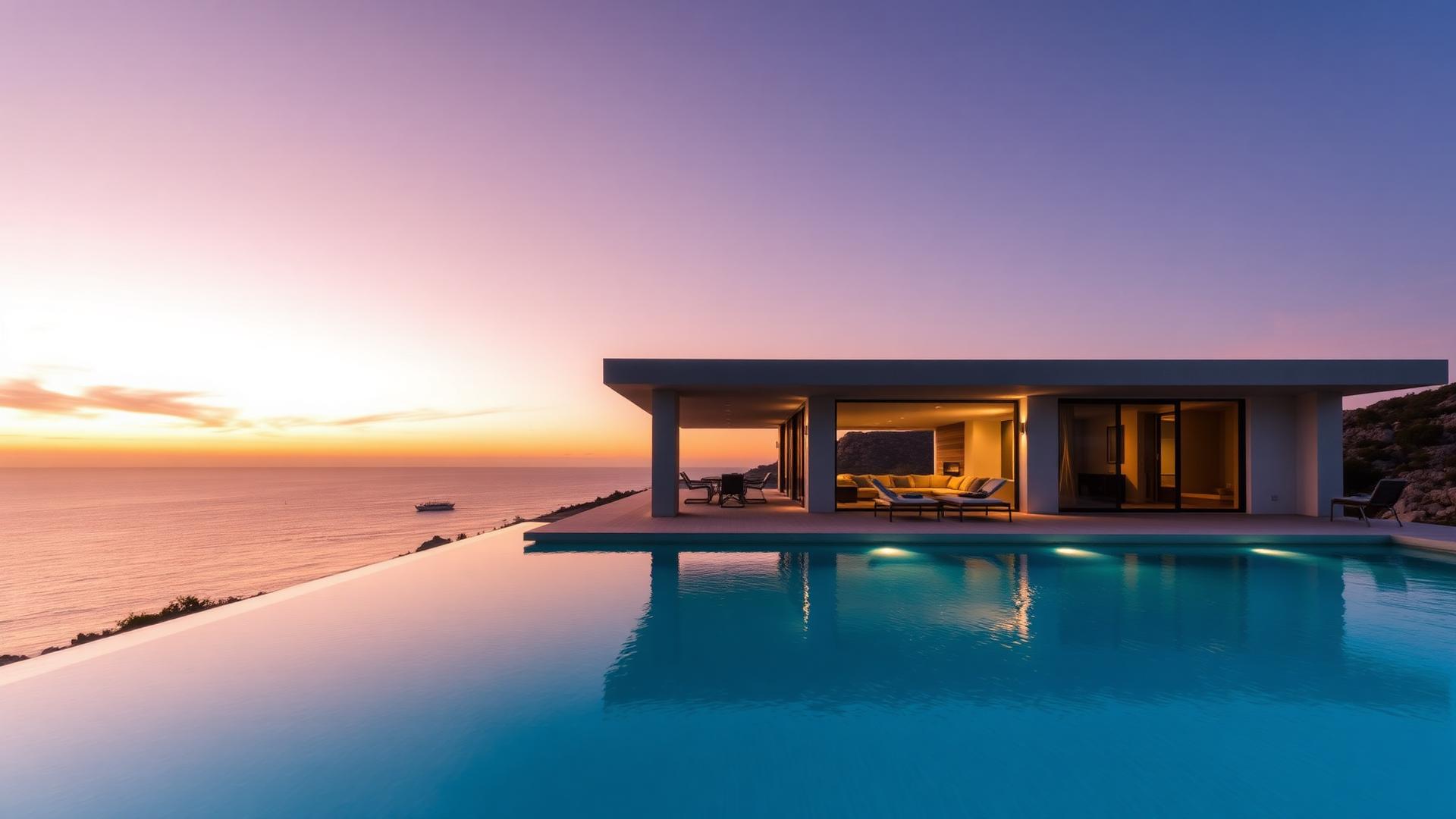
Photo to video, side by side
Each clip was made from the photo beside it
Drag each slider to compare the source photo with the clip Vellivo generated from that exact image. The source photos are AI-generated samples, not customer listings, and the clips are demos, not customer results.
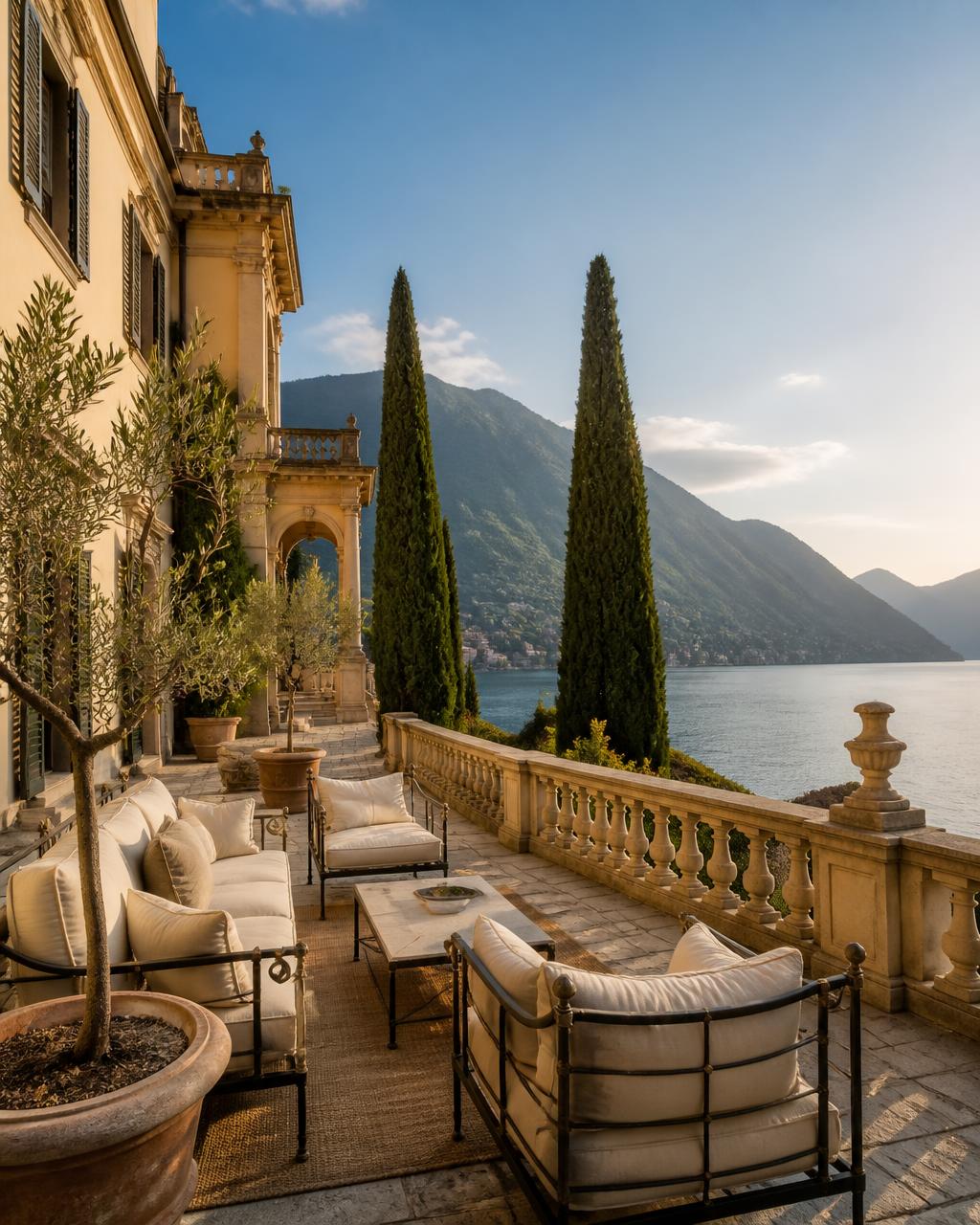
Cinematic mode · 8-second clip

Cinematic mode · 8-second clip

Cinematic mode · 8-second clip
A Standard scene — the default for a first video — is 7 credits for 6 seconds in HD. Every paid scene is checked against its own source photo before it is delivered.
One video per room type
Deluxe Double, Superior Double and Family Suite are different products. Generate a clip for each from that room's own photos. We never combine images from different units into a single video unless you explicitly ask for a property-wide montage.
Accuracy matters more than polish
Guest complaints usually come from expectation gaps, not from bad photography. Our quality check compares each generated frame with your source image and regenerates anything that drifts from it.
Where to use the output
Social channels, your direct-booking site, paid ads and pre-arrival emails. Check Booking.com's current content rules before uploading any AI-assisted media to the extranet.
FAQ
Frequently asked questions
Try it on one of your photos.
Create my free previewPrefer the numbers first? See credit packs and plans, or read the full FAQ.