Listing photography workflow
Real Estate Listing Photo to Video
This page is about one specific conversion: one frame from a sales-listing shoot becomes one short video scene. No filming, no re-shoot, no editing timeline — you pick the photo your gallery already leads with, Vellivo generates camera movement through it, and you review the scene before using it. To build a longer video from several scenes of the same property, see the real estate video generator page; for rentals and hotels, the property photo to video page.
Free 6-second preview. No account, no card.
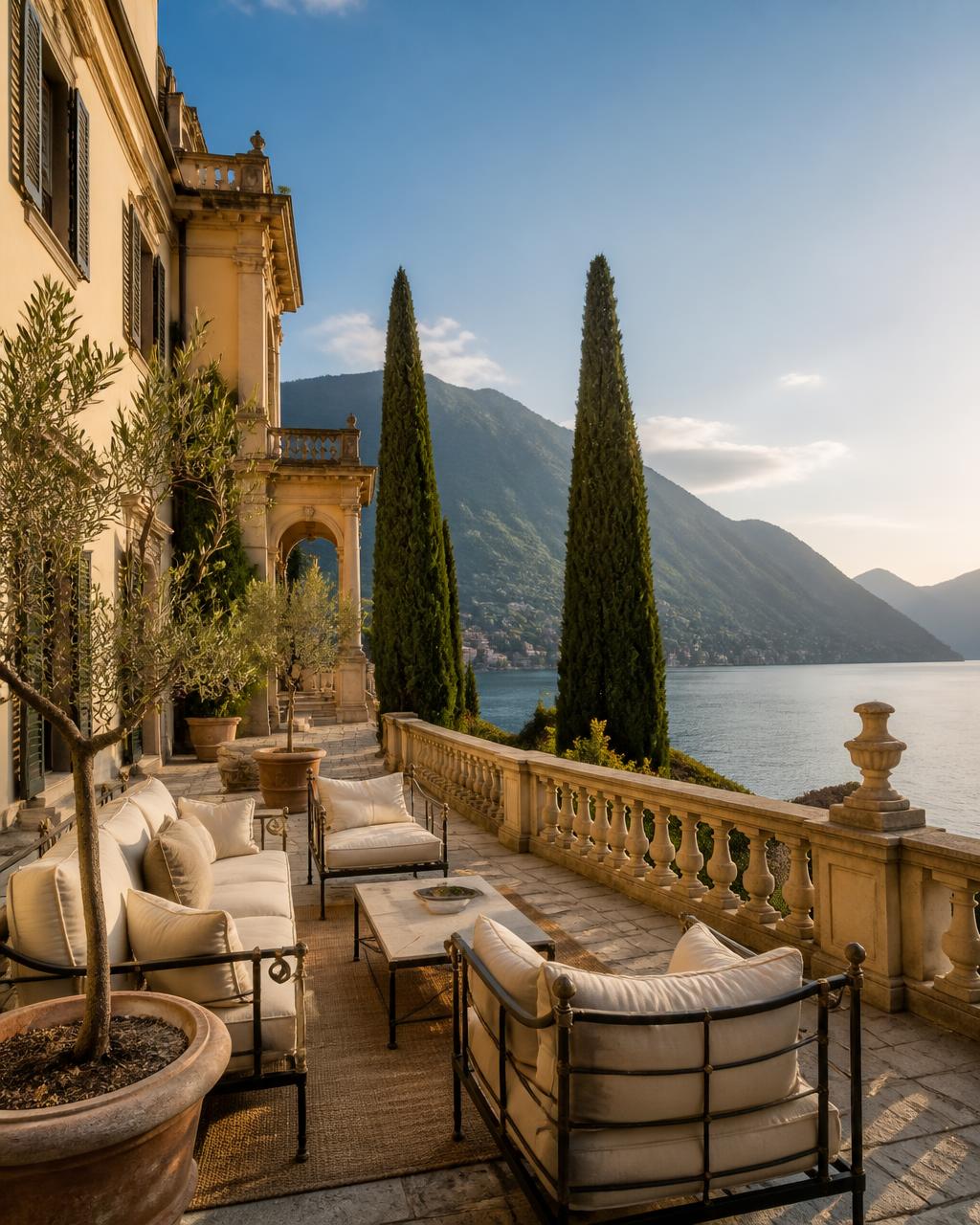
Generated with Vellivo's Cinematic mode
- One photo in, one short scene out — from a JPEG or PNG straight off your photographer's delivery
- Best results from high-resolution, well-exposed frames with visible depth
- Free, watermarked 6-second preview before any credits are spent
- One-time credit packs, no mandatory subscription; pack credits don't expire
Listing photo to video: what you get and what to check
The comparison above shows one real source photo (left of the handle) and the one Cinematic scene Vellivo generated from it (right). It demonstrates camera movement through the photographed terrace — not a complete property film. Here is what the workflow gives a sales listing, and what to verify before a scene goes on a portal or brochure page.
What you get
- A free, watermarked 6-second preview from one photo — no account or card. It is a sample of the motion, not a finished video.
- Paid scenes are newly generated at full quality, not an unlocked preview: Standard is 7 credits for 6 seconds (720p); Cinematic is 12 credits for 8 seconds (1080p). Pack prices are on the pricing page.
- Widescreen or vertical, chosen per scene in the Studio.
- An automatic comparison with the source photo before delivery — a design safeguard, not a guarantee against every altered detail.
What to check before publishing
- Rooms, fixtures and views match the listing photo — nothing added, removed or enlarged.
- Windows, doors and wall lines stay where the photo shows them.
- A person reviews the scene before publishing: it must represent the property accurately for a buyer, and you remain responsible for how it is used.
What actually happens to your photo
The photo is not animated as a flat plane sliding across the screen — that is the effect most slideshow tools produce, and it reads as a slideshow. Vellivo interprets the depth, light and architecture in the frame and generates a clip as though a camera had been in that room, so surfaces move past each other with real parallax. The source photo defines the scene the camera moves through; you review the result against it before publishing.
Which listing photos convert well, and which do not
Strong candidates: wide interiors with a visible far wall or window, kitchens shot along the run of units, hallways, staircases, terraces looking outward, exteriors with garden or driveway in the foreground. Weak candidates: tight detail shots of a single fitting, heavily distorted ultra-wide frames, low-resolution portal downloads, and photos where a mirror dominates the composition. If a photo is the strongest one in the set for a human viewer, it is usually the strongest one to generate from.
How it works
- 1Pick the frameChoose a photo with somewhere for the camera to travel: a room shot down its length, a hallway, an exterior with foreground.
- 2Upload itDrag it into the free preview on the home page. Each upload is scored on resolution, exposure, contrast and composition.
- 3Vellivo generates the motionThe still is treated as a scene rather than a flat image, and realistic camera movement is generated through it.
- 4Review and downloadThe result is checked for visual consistency with your photo first, then it is yours to download and publish.
How it fits a normal listing workflow
Photography arrives, you select the gallery, and in the same sitting you generate two or three clips from the frames you were going to lead with anyway. Nothing about the listing process changes: no extra access, no coordination, no separate invoice per property. Teams that batch this per launch day tend to get through a full week of instructions in one session. The wider case for video on sales listings is covered on the real estate video generator page.
What stays the same in the output
Vellivo is designed to preserve the property's architecture, furniture and visual identity. The camera is meant to move while the room stays as photographed. That is a design goal, not a promise of perfection: generative output can still alter a detail, so each clip is quality-checked against your source photo and you should compare it yourself before publishing.
FAQ
Frequently asked questions
Try it on one of your photos.
Create a free previewPrefer the numbers first? See credit packs and plans, or read the full FAQ.