Real estate marketing
AI Real Estate Video Generator
This page is about building a property marketing video from several scenes of the same listing — exterior, living room, kitchen, terrace — in the Vellivo Studio. Each scene is generated from one of your photos, and compatible scenes can be combined into a single MP4. If you only need one photo turned into one clip, the real estate photo to video page covers that.
Free 6-second preview. No account, no card.
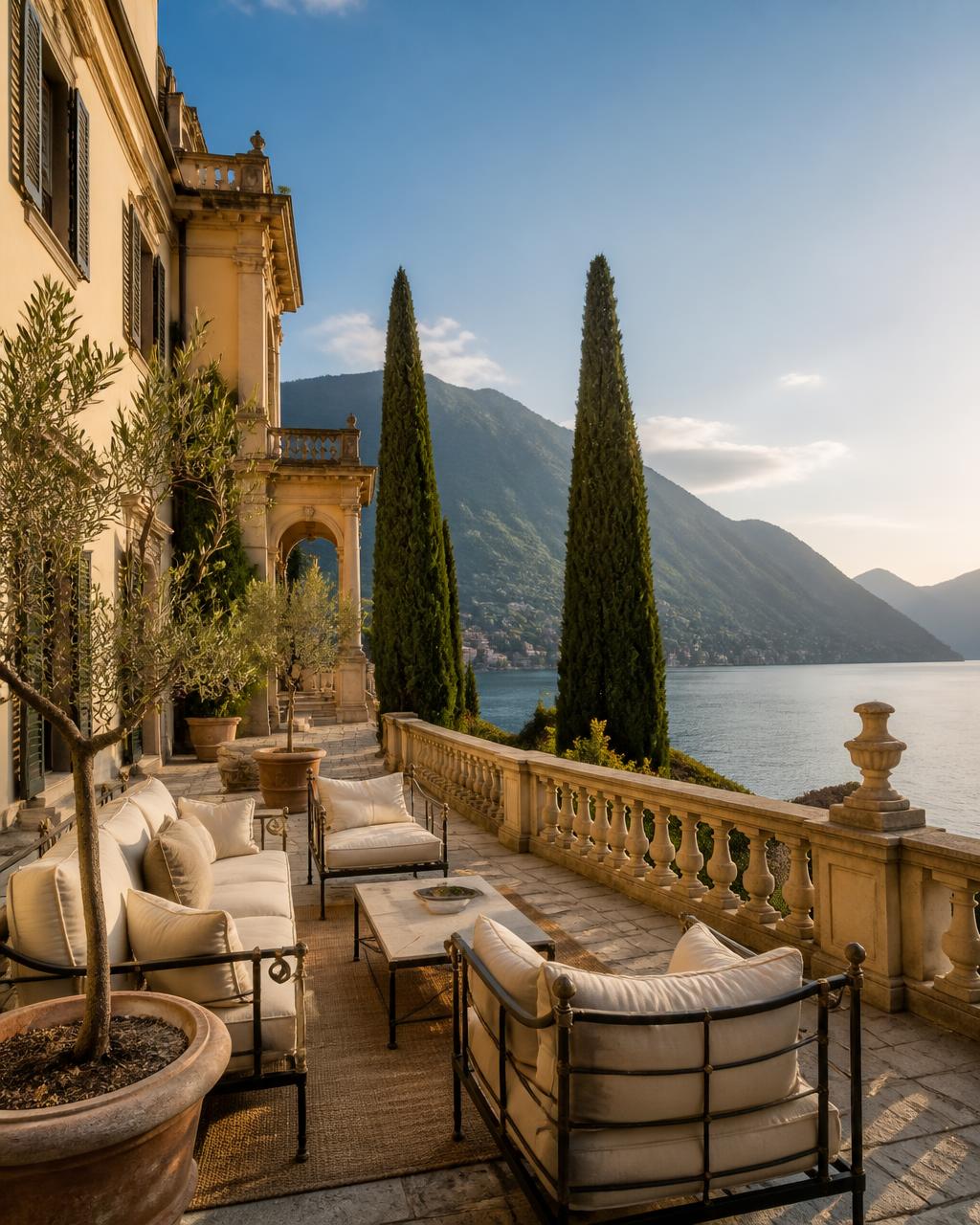
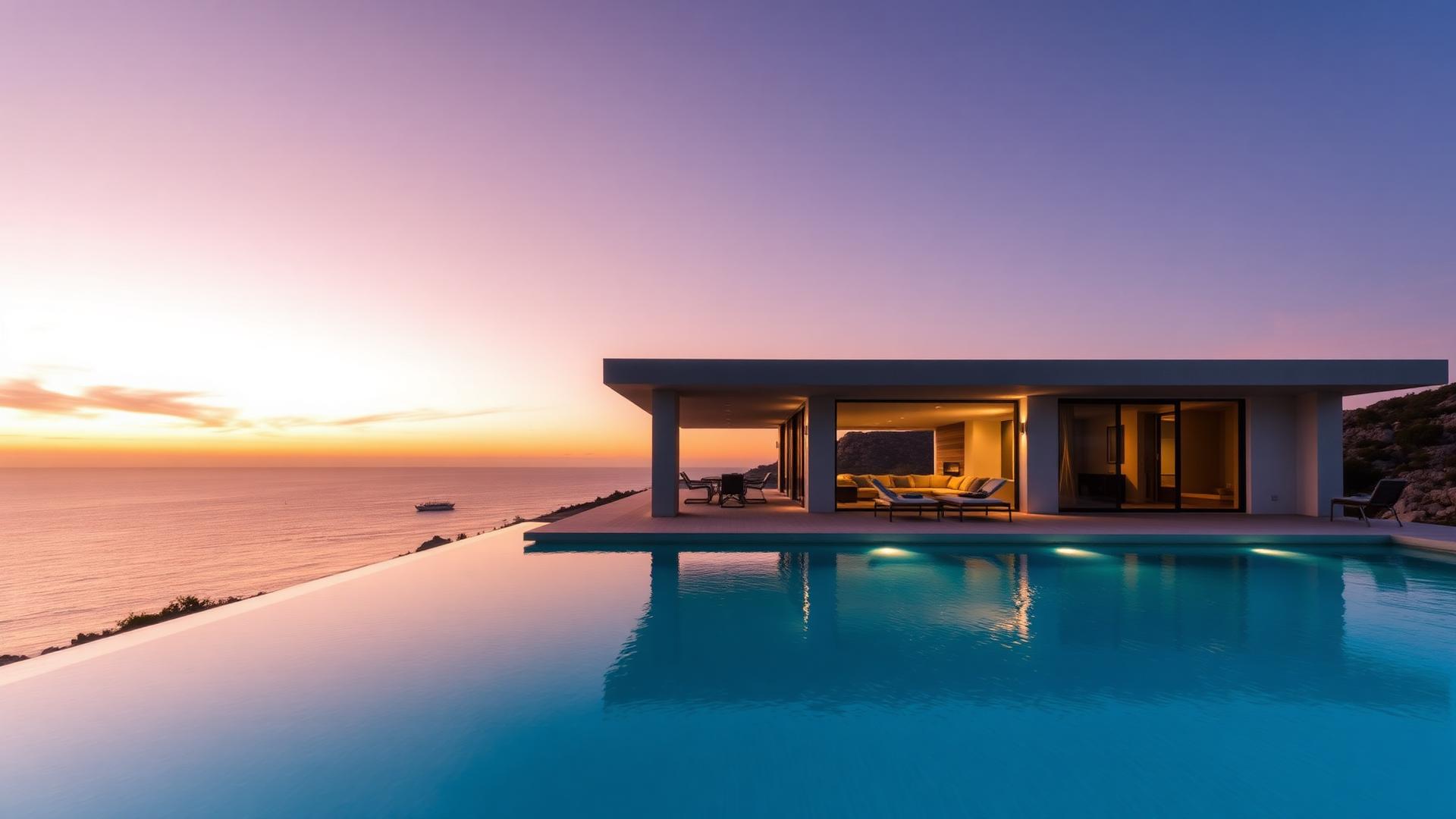
Generated with Vellivo's Cinematic mode
- Free, watermarked 6-second preview from one listing photo
- One scene per photo, all from the same property
- Combine compatible scenes into one MP4 without extra generation credits
- One-time credit packs with no mandatory subscription; pack credits don't expire
Planning a multi-scene listing video
The comparison above is ONE scene: a single source photo and the single Cinematic clip Vellivo generated from it. It is not a finished multi-scene film. A listing video is several scenes like it, from the same property, combined in the Studio.
What you get
- Example: 3 Standard scenes = 21 credits for 18 seconds of footage (7 credits, 6s, 720p each).
- Example: 3 Cinematic scenes = 36 credits for 24 seconds (1080p).
- Assembly into one MP4 adds no generation credits when orientation and resolution match.
- Deliverables for agents: individual scene clips for social posts plus one combined MP4 for a listing page, vendor pitch or email.
What to check before publishing
- Every scene comes from the same property being marketed.
- Rooms, fixtures and views match the source photos — review each scene, as the fidelity check is a design process, not a guarantee.
- Clips are silent; add music or voiceover in your own editor if needed.
From a photo set to a listing video
A listing shoot already produces the material you need. Rather than filming, you generate a short scene from each strong frame and put them in order. The result is a short marketing video showing scale, light and flow across the property — built only from that property's own photography. Actual pack prices are on the pricing page; the credit examples above come from the Studio's own mode definitions.
How agents use the output
Individual scenes work as Reels, Shorts and paid-social posts. The combined MP4 suits listing pages and portals that accept video, pre-viewing emails and vendor pitches showing what marketing a seller will get. Check each portal's rules on AI-assisted media before uploading.
The Studio workflow
- 1Choose 3–5 photos from one propertyPick frames with depth — the hero exterior, main reception room, kitchen, a terrace. Never mix photos from different properties in one video.
- 2Generate one scene per photoChoose a mode and one orientation (widescreen or vertical) for every scene you plan to combine. Each scene is compared with its source photo before delivery.
- 3Review each sceneCheck rooms, fixtures and views against the photo. Regenerate or drop any scene you would not show a buyer.
- 4Assemble and exportCombine scenes of the same orientation and resolution into one MP4. Assembly uses no extra generation credits.
Choosing which listing photos to use
Photos with clear depth — a hallway leading into a living room, a kitchen shot down its length, a terrace with a view beyond it — give the camera somewhere to travel. Flat, straight-on shots of a single wall produce the weakest scenes. Start with the hero exterior, the main reception room and the kitchen, then add bedrooms only if the room has genuine depth.
FAQ
Frequently asked questions
Try it on one of your photos.
Create a free previewPrefer the numbers first? See credit packs and plans, or read the full FAQ.