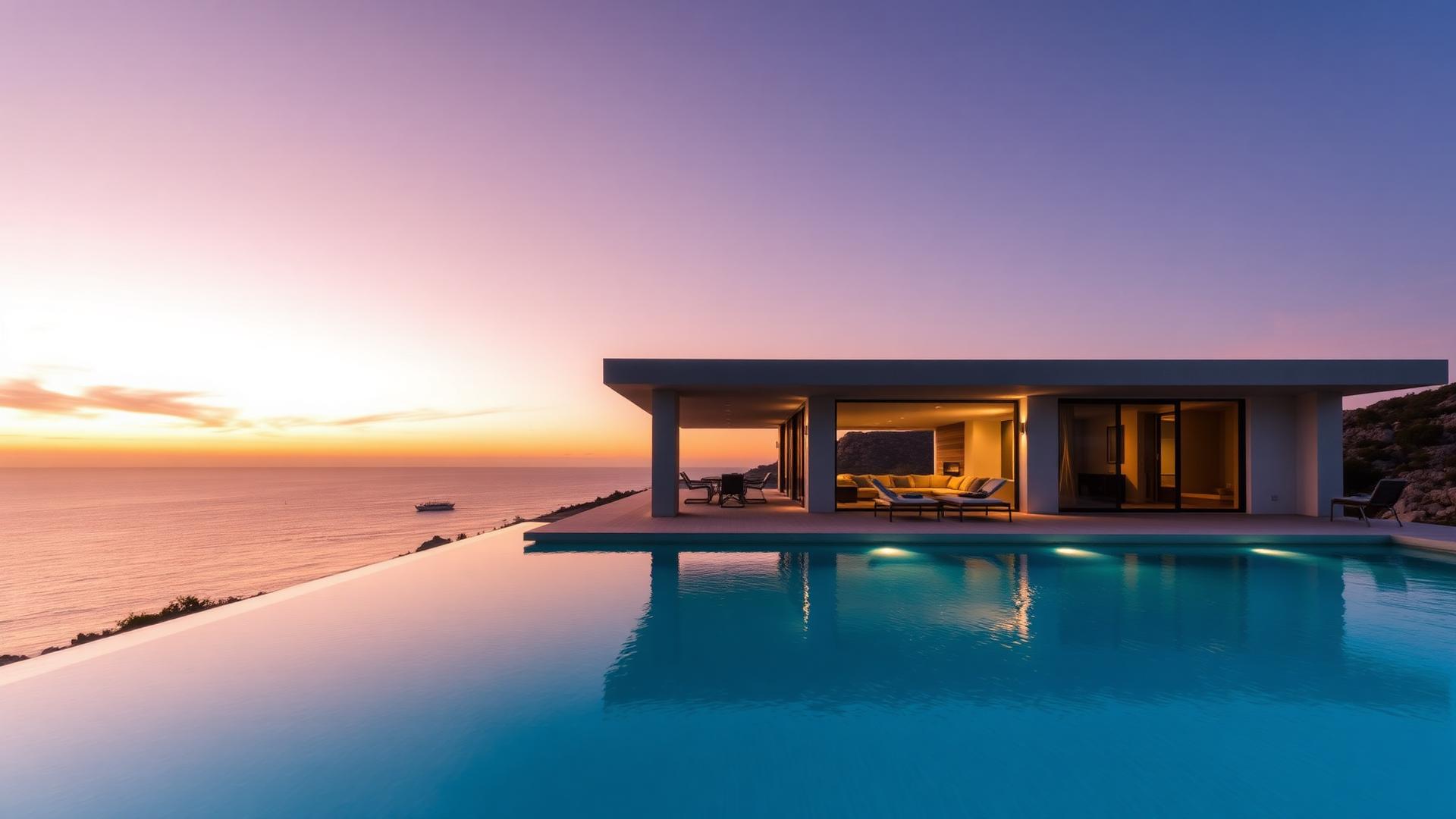
Accommodation photography
Property Photo to Video for Any Accommodation Type
Whatever the property is — a city apartment, a family house, a holiday let, a hotel room — the input is the same: one photograph you already have. Vellivo generates a short cinematic clip from it, filmed inside that exact space. If you are specifically converting sales-listing photography, the real estate photo to video page goes into the frames that work best there.
Free 6-second preview. No account, no card.

Generated with Vellivo's Cinematic mode
- Works for rentals, short stays, hospitality and sales listings alike
- One photo in, one short cinematic clip out
- Designed to preserve architecture, furniture and the view
- Free 6-second preview, no account and no card
Photo to video, side by side
Each clip was made from the photo beside it
Drag each slider to compare the source photo with the clip Vellivo generated from that exact image. The source photos are AI-generated samples, not customer listings, and the clips are demos, not customer results.
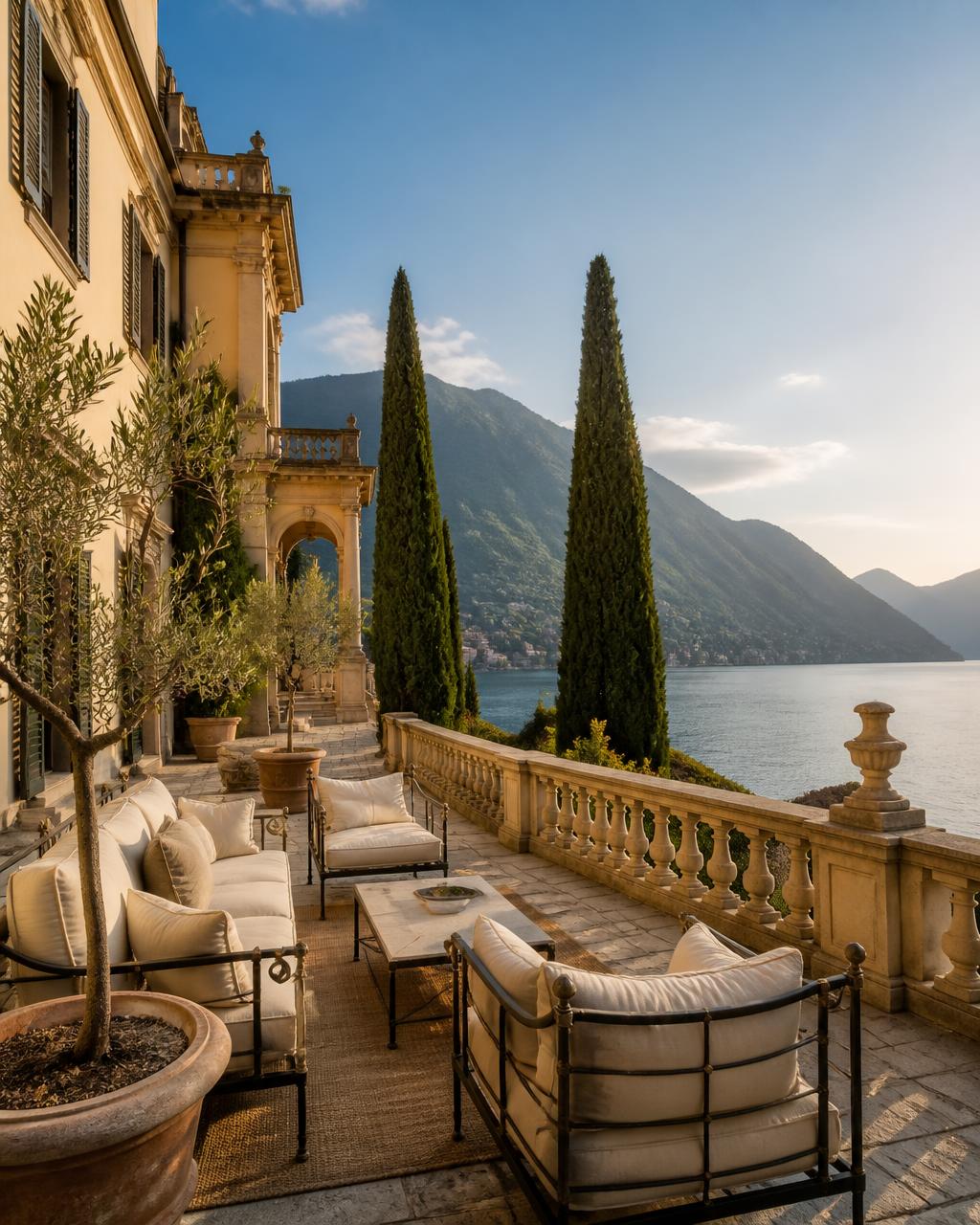
Cinematic mode · 8-second clip

Cinematic mode · 8-second clip
A Standard scene — the default for a first video — is 7 credits for 6 seconds in HD. Every paid scene is checked against its own source photo before it is delivered.
- Identical workflow whatever the property type.
- Interiors, exteriors and views are all treated as one fixed scene.
- Output is a short clip you can drop straight into a listing page.
One workflow across every accommodation type
The reasons differ — a sales listing needs to win an instruction, a holiday let needs to win a booking, a hotel needs to win a direct reservation — but the material is identical: a set of good photographs and no video budget. Because generation works from a single frame, the same process covers a studio flat and a lakeside villa without any change in setup.
Why movement communicates more than a still
A photograph flattens the two things people most want to judge about a space: how big it is and how the light behaves in it. A camera moving through a room restores both. Ceiling height becomes readable, a hallway shows where it leads, and daylight moves across surfaces the way it does in person. That is the entire reason property video works, and it does not require the video to have been filmed on site to be true to the space.
How it works
- 1Upload an existing property photoAnything from a professional shoot or a well-lit phone photo of a real room.
- 2Vellivo creates cinematic camera movementThe frame is read as a physical space and a slow, controlled camera move is generated through it.
- 3The result is evaluated for fidelityOutput is compared with your original before you see it, so what is delivered still shows your property.
- 4You get a usable clipDownload it and publish wherever you market the property.
Designed to preserve the property
The obvious risk with generative video is a model that improves the property: opening a wall, replacing a sofa, adding a sea view that does not exist. Vellivo is built the other way around. The model is directed to simulate a camera rather than to redesign a room, and every clip is compared with your source photo before delivery. It is a quality-control mechanism rather than a guarantee, and you remain responsible for how the content represents the property.
Formats and channels
Clips are short and silent by design, which is what social feeds, listing heroes and email embeds all want. Add your own music or captions in whatever editor you already use. If you market several units, generate one clip per unit so the content always matches what the viewer is actually being offered.
FAQ
Frequently asked questions
Try it on one of your photos.
Create my free previewPrefer the numbers first? See credit packs and plans, or read the full FAQ.