Product approach
Property-safe AI: video that keeps the property as photographed
Most image-to-video models are built to be creative. For a property listing, creativity is the problem: a model that redraws a kitchen or invents a sea view produces marketing you cannot legally or honestly publish. Property-safe is how Vellivo is designed to avoid that — a design approach, not a guarantee of perfect visual fidelity.
Free 6-second preview. No account, no card.
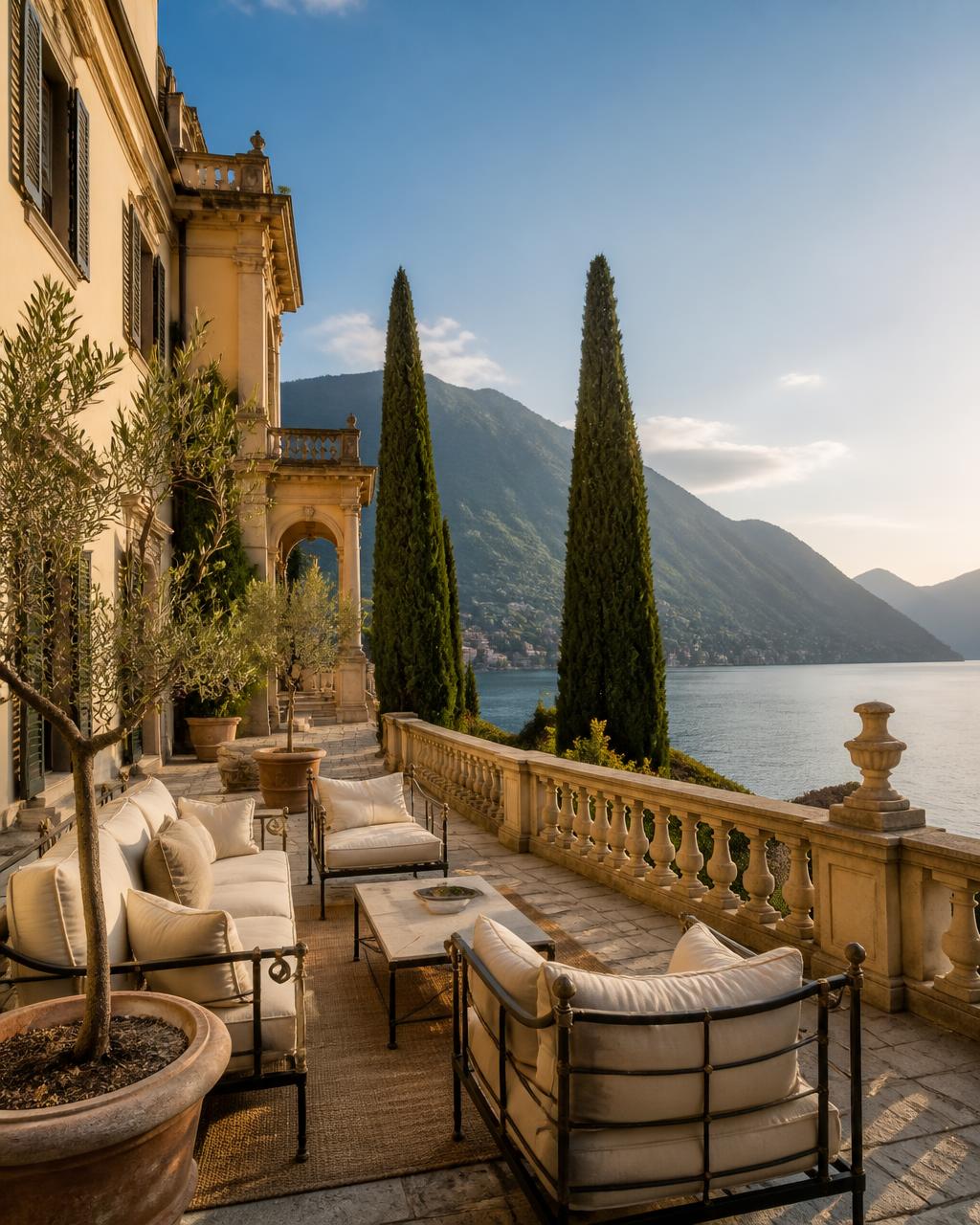
Generated with Vellivo's Cinematic mode
- Motion is generated; the room is not redrawn
- Every clip is compared against your source photo before delivery
- Failed paid renders return the reserved credits
- Free 6-second preview on one of your own photos
Why generic image-to-video is risky for real estate
A general-purpose video model treats your photo as a starting suggestion. It will happily straighten a crooked wall, replace a sofa, add a window, extend a terrace or brighten a view into something the property does not have. In consumer content that is a feature. In a property listing it misrepresents the asset, and the person publishing it — the agent, the host, the photographer — carries that responsibility.
What Vellivo does differently
Vellivo directs the model to simulate a camera rather than reimagine a scene. The instruction set is built around slow, physically plausible movement — a push in, a lateral drift, a gentle tilt — while architecture, furniture, materials, finishes and the view out of the window are held to what the source photograph shows. Shorter clips and restrained motion are chosen deliberately: the further a generated sequence travels from the source frame, the more the model has to invent.
How the safeguard works, step by step
- 1Your photo is the sceneGeneration starts from the image you upload. Nothing is pulled from stock libraries or other listings.
- 2The camera moves, the room does notThe model is instructed to add motion only, with the architecture, furniture and view held in place.
- 3The result is checked against the originalFrames are compared with your source photo. Drifting clips are regenerated before you ever see them.
- 4Failed paid renders return creditsIf a paid clip cannot pass the check, the reserved credits go back to your wallet.
What the automatic quality check does
Before any clip reaches you, generated frames are compared with your source photo for geometry and visual consistency. Clips that drift are regenerated automatically, and you never see the failed attempt. This is an automated check, not a human review: it catches visible structural drift reliably, and it can still pass a clip with small imperfections in texture, reflections or fine detail.
What property-safe does not mean
It does not mean pixel-perfect reproduction. The output is AI-generated from a still image, not a recording of the property, and it should be described that way wherever you publish it. Fine detail can shift, and unusual geometry, mirrors, heavy glass or very low-light photographs are harder cases. Property-safe means the system is built and checked to preserve what the photo shows — review each clip before you publish it.
What happens when a paid render fails
Credits for a paid render are reserved when generation starts. If the render fails, or fails the quality check after the automatic retries, the reserved credits are returned to your wallet. You are not charged for output you never received. The free preview costs nothing either way, and internal quality retries are never billed to you.
FAQ
Frequently asked questions
Try it on one of your photos.
Create a free previewPrefer the numbers first? See credit packs and plans, or read the full FAQ.